How Are AI Image Generation Tools Being Used for Websites, Marketing, and Social Content?
AI image generation tools are changing website design, marketing, and social content. Learn how ChatGPT, Midjourney, Adobe Firefly, Canva, and other tools fit into creative workflows.
AI image generation has moved from novelty to practical creative workflow.
Businesses are now using AI image tools to create website visuals, campaign concepts, social media graphics, ad ideas, presentation images, blog artwork, product mockups, and visual directions that once required expensive production or long design cycles.
That does not mean AI replaces brand strategy, art direction, photography, or design judgment. It means the creative process is changing.
For small and mid-sized businesses, the opportunity is significant. AI image tools can help create more visual content faster, but only if the business knows which tools to use, how to use them, and how to keep the output aligned with the brand.
Why do AI image tools matter for business marketing?
AI image tools matter because modern marketing is visually demanding.
A business may need visuals for:
- Website hero sections
- Landing pages
- Blog posts
- Social media posts
- Email campaigns
- Paid ads
- Sales decks
- Event graphics
- Internal presentations
- Product launches
- Case studies
- Video thumbnails
- Campaign concepts
- Mood boards
- Brand guidelines
Most small and mid-sized businesses do not have unlimited design resources. AI can help increase creative output without requiring every visual to start from scratch.
What are the most common uses of AI image generation?
Businesses are using AI image generation in several practical ways.
1. Website imagery
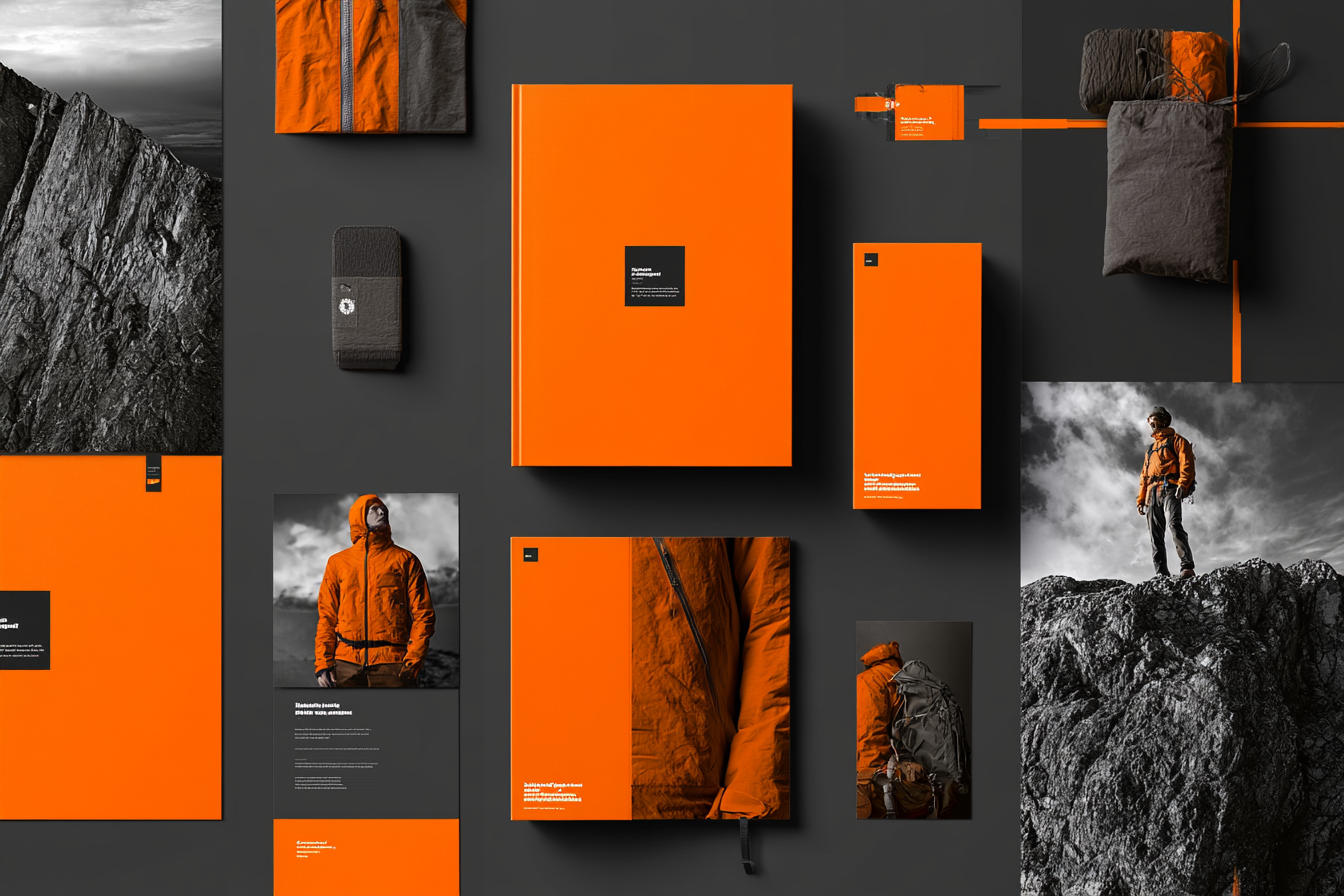
AI can help create or explore homepage hero images, abstract background visuals, industry-specific concept images, product environment mockups, service page visuals, blog header images, landing page graphics, custom illustrations, and brand atmosphere imagery.
This is especially useful when stock photography feels too generic or custom photography is not practical.
2. Campaign concepts
AI can generate visual directions quickly. A marketing team might use AI to explore seasonal campaign concepts, product launch directions, ad creative ideas, event themes, promotional visuals, brand storytelling concepts, and mood boards for designers or photographers.
AI can be especially useful early in the creative process, when the team needs options.
3. Social media content
Social channels require a constant flow of visuals. AI image tools can help create quote graphics, conceptual images, product-adjacent visuals, lifestyle scenes, educational graphics, founder content backgrounds, carousel imagery, post illustrations, and Reels thumbnails.
The challenge is consistency. Without guidelines, AI social visuals can quickly feel random.
4. Blog and article images
AI can help create more specific blog visuals than generic stock images.
For example:
- A blog about AI workflows can have a custom diagram-style image
- A blog about branding can use a conceptual brand system visual
- A blog about ecommerce can show a stylized online store environment
- A blog about operations can use process or dashboard imagery
These visuals can make educational content feel more considered and ownable.
5. Sales and presentation visuals
AI can support pitch deck imagery, concept mockups, before/after visuals, strategy diagrams, product scenes, industry illustrations, and workshop materials.
This is useful when teams need to communicate ideas before final design or production.
Which AI image tools should businesses know?
There are many tools, and they change quickly. The key is to understand the categories.
ChatGPT image generation
ChatGPT's image capabilities are useful for conversational creative direction. Businesses can use it for concept images, image edits, style exploration, marketing visuals, social graphics, website artwork, simple layout concepts, and visual brainstorming.
Its strength is that it can work from natural language instructions and iterative feedback.
Midjourney
Midjourney is known for strong visual style, atmosphere, and creative image generation. Businesses may use it for mood boards, high-concept campaign imagery, brand atmosphere, editorial-style visuals, lifestyle concepts, art-directed image exploration, and visual inspiration.
Midjourney can produce beautiful results, but it often requires prompt discipline and careful curation.
Adobe Firefly
Adobe Firefly is useful for businesses already working in Adobe's creative ecosystem. It may support image generation, generative fill, background creation, image expansion, design production workflows, and editing inside Adobe tools.
For teams using Photoshop, Illustrator, or Adobe Express, Firefly can be practical because it sits closer to established design workflows.
Canva AI tools
Canva is useful for business teams that need accessible design production. It can help with social media graphics, presentation visuals, marketing templates, simple image generation, layout design, brand kit usage, and team collaboration.
For non-designers, Canva can be a practical bridge between AI generation and finished marketing assets.
Flux and other image models
Newer image models and platforms can be valuable for teams that need higher-quality or more specialized image outputs. They may be used for photorealistic visuals, product-inspired imagery, character consistency, concept development, style testing, and advanced creative workflows.
The tool landscape will continue to evolve, which is why businesses need a flexible system rather than a one-time tool list.
How should a business choose the right image tool?
The right image tool depends on the job. Ask these questions:
What kind of image do we need? Photorealistic, illustrated, abstract, editorial, product-focused, social-friendly, website-ready, conceptual, brand-specific?
Who will use the tool? Designers, marketing managers, social media team, founder, sales team, agency partner, internal content team?
What happens after the image is generated? Does it need editing, resizing, brand review, approval, library storage, or campaign integration?
How important is brand consistency? If consistency matters, the tool must be used within a defined visual system: approved prompts, brand references, style examples, color guidance, composition rules, usage guidelines, and a review process.
What is the biggest mistake businesses make with AI images?
The biggest mistake is treating AI image generation as a random output machine.
A team types a prompt, gets an image, uses it once, and moves on.
That may be useful for experimentation, but it does not build a brand asset system.
A stronger approach is to save:
- Prompts that work
- Image references
- Style directions
- Approved examples
- Rejected examples
- Editing notes
- Brand rules
- Campaign context
- Final assets
This creates a repeatable workflow.
How can AI-generated images stay on-brand?
AI-generated images stay on-brand when the business has a clear visual system.
That system should include:
- Brand colors
- Typography direction
- Photography style
- Illustration style
- Composition preferences
- Lighting preferences
- Subject matter guidance
- Words to use in prompts
- Words to avoid
- Examples of approved visuals
- Examples of off-brand visuals
- Review and approval process
The AI tool should not be expected to invent the brand. It should help extend the brand. That is the foundation of a working AI Brand Asset System.
Should businesses use AI images instead of stock photography?
Sometimes.
AI images can be better than stock photography when:
- Stock feels generic
- The concept is hard to find
- The business needs a specific visual metaphor
- The brand wants a unique visual style
- The team needs quick campaign exploration
- A custom photoshoot is not realistic
- The image is conceptual rather than documentary
Stock photography (or original photography) may still be better when:
- The business needs real people, real products, or real locations
- Authenticity is essential
- Compliance or accuracy matters
- The image must depict a specific real-world condition
- The company wants human warmth and documentary realism
The right answer is often a blend of photography, stock, design, and AI-generated visuals.
How should AI images be used for social content?
Social content moves fast, so AI image workflows can be extremely useful.
A practical system may include weekly theme prompts, reusable post templates, approved visual styles, image sizes for each platform, caption prompts, a brand review checklist, saved examples, and an asset folder structure.
The goal is to produce more content without making the brand feel inconsistent.
How should AI images be used for websites?
Website use requires more discipline than social content. A website visual has a longer life and often shapes the first impression of the company.
Before using AI-generated images on a website, ask:
- Does this visual support the positioning?
- Does it feel credible for the industry?
- Does it match the rest of the brand?
- Does it distract from the message?
- Does it look too obviously AI-generated?
- Is it accurate enough for the context?
- Does it improve conversion?
AI visuals can be valuable on websites, but they should be art-directed, reviewed, and integrated carefully.
What is an AI Brand Asset System?
An AI Brand Asset System is a structured way to create, organize, and reuse AI-generated brand visuals.
It may include:
- AI-ready brand guidelines
- Visual prompt libraries
- Approved image examples
- Tool usage guidance
- Asset folders
- Naming conventions
- Review workflows
- Campaign templates
- Social media templates
- Website image guidelines
- Editing process
The goal is to turn AI image generation into a repeatable brand capability.
How can Jim Zaslaw help?
Jim Zaslaw Consulting helps businesses organize AI image generation into practical brand and marketing workflows.
That may include:
- Choosing the right image tools
- Building prompt libraries
- Creating AI-ready visual guidelines
- Developing website imagery systems
- Creating campaign image workflows
- Organizing social media asset production
- Setting up review and approval processes
- Building a reusable AI brand asset library
This work connects directly to Jim's background leading ZINC, where branding, websites, ecommerce, marketing systems, and technology implementation come together.
The first step is a Free AI Opportunity Assessment.
Final takeaway
AI image generation is not just about making interesting pictures.
For a business, the real value is building a repeatable creative system that helps the team produce better website, marketing, and social visuals faster — while staying aligned with the brand.