What Is an AI Operating System for Business? How to Organize AI Tools, Prompts, and Workflows
An AI Operating System helps businesses organize AI tools, prompts, workflows, standards, and team collaboration. Learn how it works and why it matters for small and mid-sized companies.
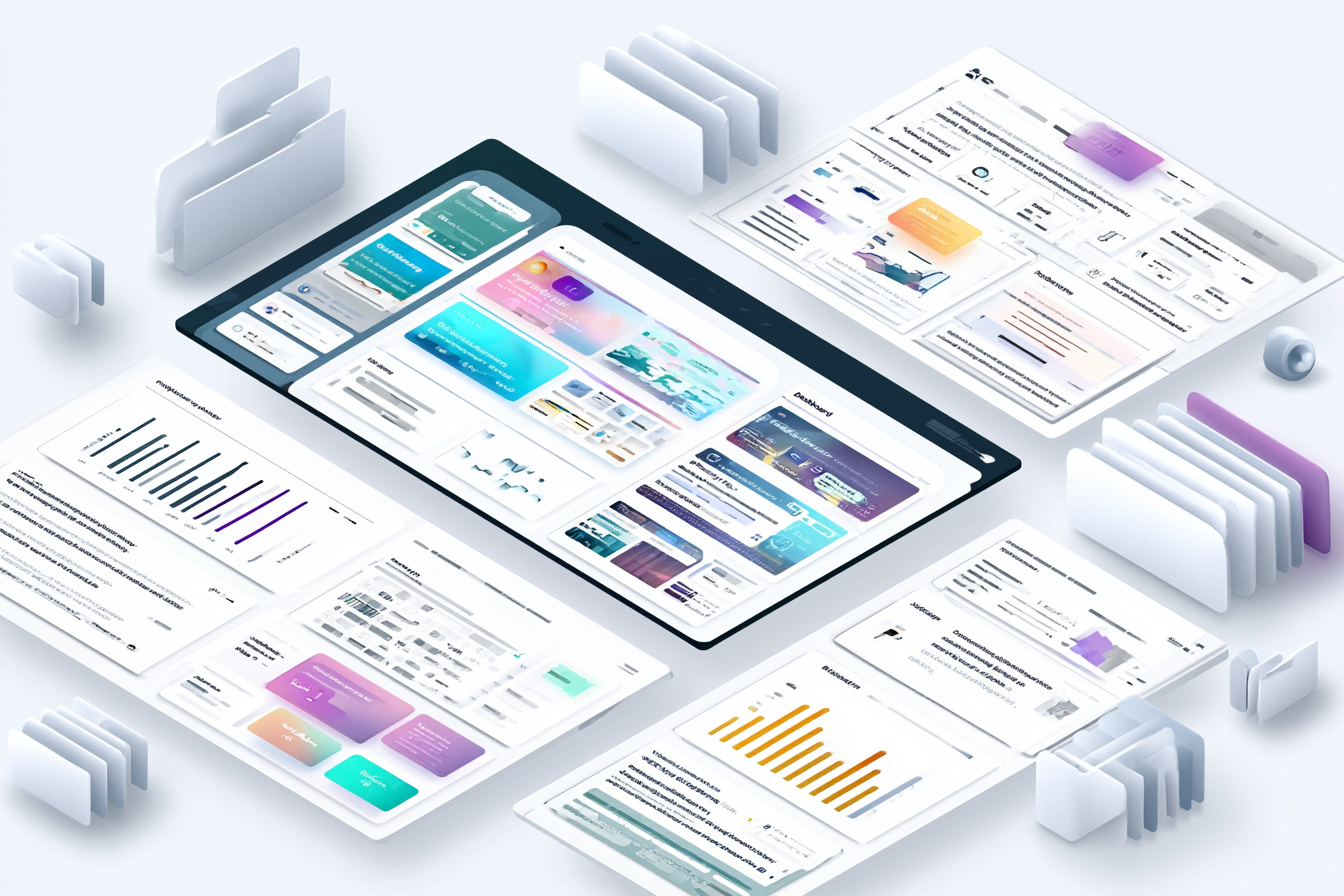
An AI Operating System is not a software product.
It is a structured way for a business to use AI across tools, teams, workflows, prompts, content, and decision-making.
Most companies already have some level of AI usage happening inside the business. Someone is using ChatGPT to draft content. Someone else is testing Claude for research. A marketing person is using Canva or Midjourney for visual concepts. A manager may be using AI to summarize meetings. A salesperson may be using it to draft follow-up emails.
That activity can be useful. But if it is not organized, the business does not truly own the process.
The value of an AI Operating System is that it turns scattered experimentation into a repeatable business capability.
Why do businesses need an AI Operating System?
Businesses need an AI Operating System because AI usage can become fragmented very quickly.
Without structure:
- Prompts live in personal accounts
- Employees choose tools randomly
- Good outputs are hard to recreate
- Brand voice becomes inconsistent
- Sensitive information may be handled poorly
- Teams duplicate effort
- No one knows which tools are approved
- New employees have no clear AI process
- Leadership cannot measure what is working
With structure:
- The company knows which tools to use
- Prompts become reusable assets
- Workflows become documented
- Teams collaborate more effectively
- Brand standards are easier to maintain
- AI output improves over time
- Leadership can prioritize the highest-value use cases
Is an AI Operating System the same as AI automation?
No.
AI automation is one part of the picture. An AI Operating System is broader.
Automation usually means using technology to perform or accelerate a specific process. For example:
- Summarizing form submissions
- Routing leads
- Drafting email responses
- Generating content briefs
- Creating reports
- Updating records
- Sending notifications
An AI Operating System includes automation, but it also includes:
- Tool selection
- Prompt libraries
- Usage standards
- Training
- Documentation
- Review processes
- Brand guidelines
- Workflow design
- Team collaboration
- Content systems
- Governance
In other words, automation is one engine. The operating system is the structure around it.
What AI tools should a business use?
There is no universal answer. The right AI tool depends on the work.
A business may need different tools for different purposes.
General AI assistants
Tools like ChatGPT, Claude, Gemini, or similar platforms can help with writing, brainstorming, summarizing, research support, strategy development, internal documentation, editing, content repurposing, and planning.
Search and research tools
AI-assisted research tools can help with competitive research, industry scanning, content planning, question research, customer pain-point discovery, and source gathering.
Visual and creative tools
AI image and design tools can help with campaign concepts, social graphics, website imagery, presentation visuals, mood boards, brand exploration, product mockups, and creative direction.
Workflow and automation tools
Tools like Zapier, Make, n8n, Airtable, Notion, HubSpot, and other platforms may help connect AI to business processes — form submission summaries, CRM updates, email drafts, content production workflows, internal task routing, lead qualification support, and reporting workflows.
Knowledge management tools
Businesses also need places to store and organize AI assets: prompt libraries, SOPs, brand guidelines, workflow documentation, approved outputs, use-case examples, training notes, and AI policies.
The point is not to use every tool. The point is to know which tools belong in the business and how each one should be used.
What should be included in an AI Operating System?
A practical AI Operating System should include several core components.
1. Tool map
A tool map explains which AI tools the company uses and why. It should answer:
- What tool is approved for writing?
- What tool is approved for research?
- What tool is approved for visual work?
- What tool is approved for automation?
- What tool should not be used for sensitive information?
- Which tools are for individual productivity?
- Which tools are for team workflows?
2. Prompt library
A prompt library stores reusable prompts that have been tested and improved.
Prompt categories may include marketing, sales, customer service, website, SEO, brand voice, proposals, reporting, meeting summaries, and internal operations.
A prompt library turns AI knowledge into a company asset.
3. Workflow templates
A workflow template defines how AI should be used for a repeated business process. Examples:
- Blog article workflow
- Sales follow-up workflow
- Meeting summary workflow
- Customer support response workflow
- Campaign planning workflow
- Product description workflow
- Proposal drafting workflow
- Social content workflow
Each workflow should clarify inputs, tools, prompts, review steps, owner, output format, approval process, and storage location.
4. Brand and voice guidelines
AI output should sound like the company. The system should include brand voice principles, words and phrases to use, words and phrases to avoid, tone examples, approved positioning, audience definitions, messaging hierarchy, and example outputs.
Without this, AI content can become generic. A structured AI Brand Asset System makes brand consistency repeatable across visuals as well as copy.
5. Collaboration structure
A company needs a shared structure for how AI work is created, reviewed, and improved. This may include shared folders, shared prompt libraries, team workspaces, naming conventions, review notes, version control, approved examples, and internal training materials.
6. Training and adoption
Even the best AI system fails if people do not use it. Training should be practical and role-specific.
- Marketing team: content workflows and brand prompts
- Sales team: follow-up emails and objection handling
- Operations team: SOPs and process documentation
- Leadership: decision support and opportunity prioritization
- Customer service: response templates and knowledge base support
How does an AI Operating System help a business?
A good AI Operating System helps a company in several ways.
It saves time. Employees stop reinventing the wheel every time they use AI.
It improves quality. Prompts, workflows, and examples get better over time.
It reduces chaos. Everyone has a clearer idea of which tools to use and how to use them.
It protects brand consistency. AI output is guided by actual brand standards.
It improves collaboration. Teams can share what works instead of keeping it in private accounts.
It supports growth. As the business grows, AI usage becomes easier to train, repeat, and scale.
What is the difference between using AI and operationalizing AI?
Using AI means someone asks a tool to help with a task.
Operationalizing AI means the business has a repeatable process for using AI to improve work.
| Using AI | Operationalizing AI |
|---|---|
| Individual | Shared |
| Ad hoc | Documented |
| Inconsistent | Repeatable |
| Hard to repeat | Brand-aware |
| Hard to measure | Team-supported |
| Often hidden in personal accounts | Connected to business goals |
This distinction is important. Most companies are using AI. Far fewer have operationalized it.
When should a business build an AI Operating System?
A business should consider building an AI Operating System when:
- Multiple employees are using AI independently
- Leadership does not know which tools are being used
- Content quality is inconsistent
- Teams are duplicating effort
- The company wants more marketing output
- Employees keep asking which AI tool to use
- Good prompts and workflows are not being saved
- AI usage is growing but not organized
- The company wants to make AI part of normal operations
How can Jim Zaslaw help build an AI Operating System?
Jim Zaslaw Consulting helps companies design practical AI systems that connect tools, workflows, prompts, standards, and team habits.
That includes:
- AI tool selection
- Tool setup and configuration
- Prompt library creation
- Workflow documentation
- Team usage standards
- Brand and content guidelines
- AI workspace structure
- Training and adoption support
This work is grounded in Jim's background leading ZINC, where he has spent more than 25 years helping businesses build brands, websites, ecommerce platforms, marketing systems, and technology integrations. That matters because AI implementation is not just about tools. It is about how real businesses work.
The first step is a Free AI Opportunity Assessment.
Final takeaway
An AI Operating System helps a business move from isolated experimentation to organized execution.
Most companies do not need more random AI usage.
They need a smarter system.